
Android Device Tracker - GPS Phone Locator3.1.11 - Get APK
You'll be able to download in few seconds.
Publisher Description
Are you going for a long trip and you want to make your relatives aware of your location or do you want to know where are your kids? Certainly Device Tracker can offer many more use cases.
Device Tracker application offers location tracking functionality between two android devices.
App can run in two modes:
- Location Transmitter
- Location Receiver (one device can receive multiple device locations from v2.0)
******************************************
Device Tracker Features:
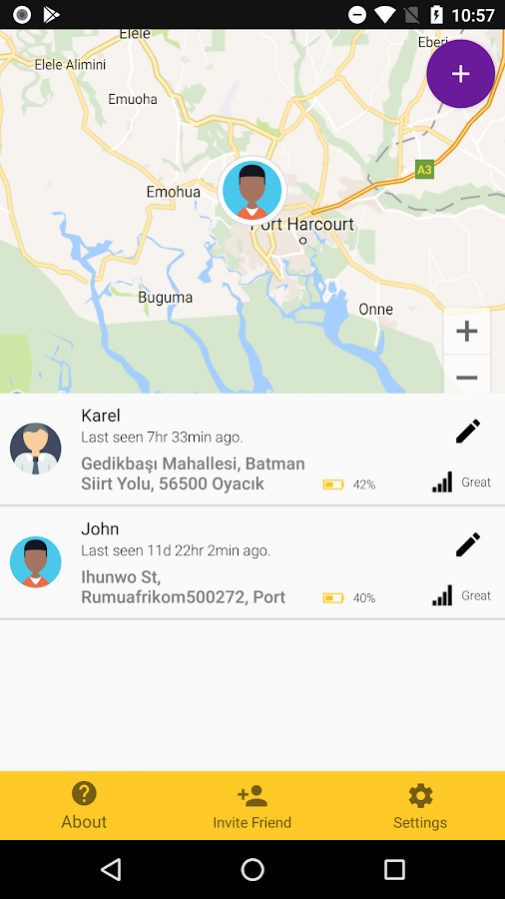
- Displays last known location of configured tracked devices:
Coordinates, Time of last device visibility, Address (if available), Battery level
- Shows all configured devices on map
- Tracked device transmits its location every 20 minutes and if device enters low battery state then the updates will be sent every 45 minutes to minimize battery drain
- User can add up to 5 devices and receives their locations
- Send tracked device location via email or other messaging apps installed on phone
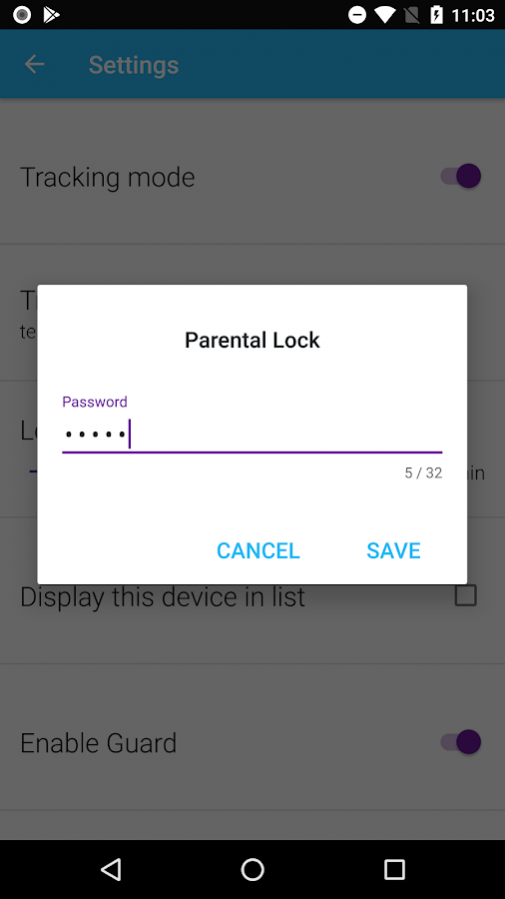
- Parental Lock which can lock the settings so user cannot switch off the tracking mode
- Supports Phones & Tablets
- Supported devices with OS Jelly Bean+
=========================
Get Started with Device Tracker:
=========================
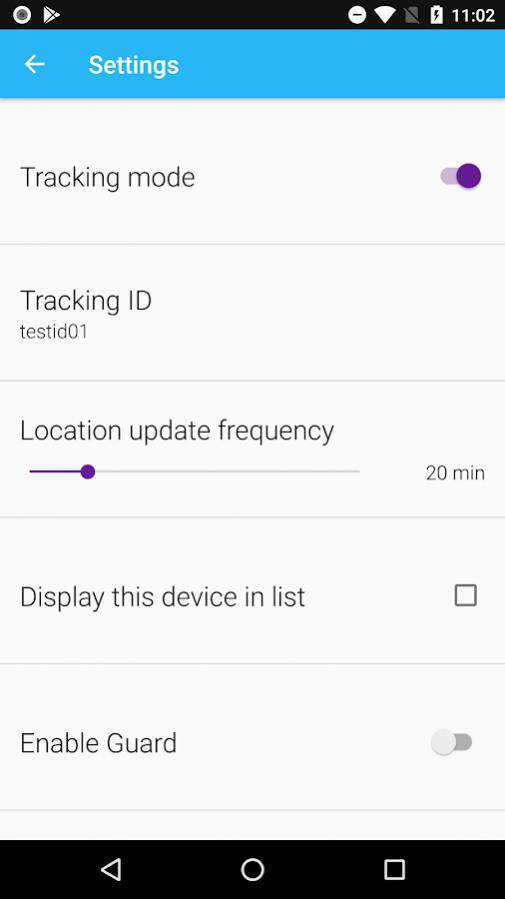
1) Launch the app and go to Settings
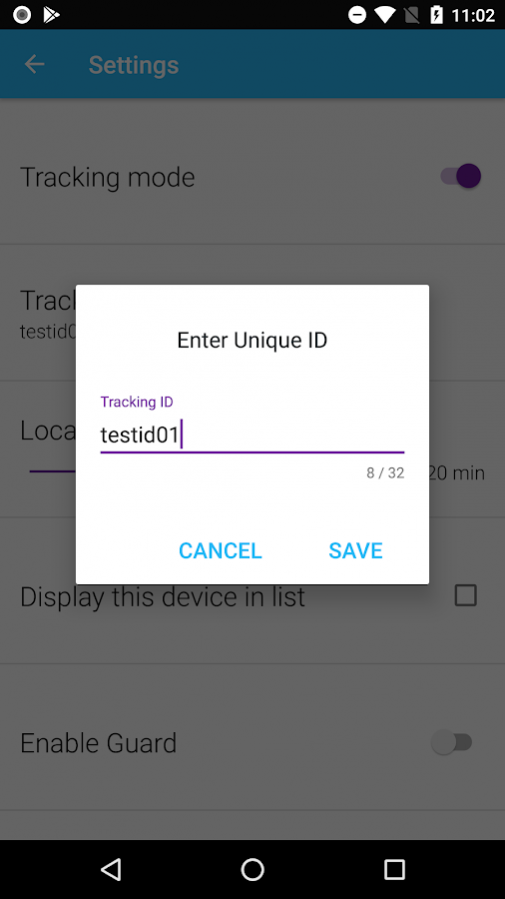
2) Set the unique tracking ID in "remote" device.
3) Switch ON tracking mode
Note: You can enable parental lock by taping on padlock icon in bottom right corner.
Device starts transmitting its location once the tracking mode is ON every 20 minutes or 45 minutes on lower battery levels if there is live connection to internet
4) Set up the second device which will act as a receiver - Launch Device Tracker and go to Settings
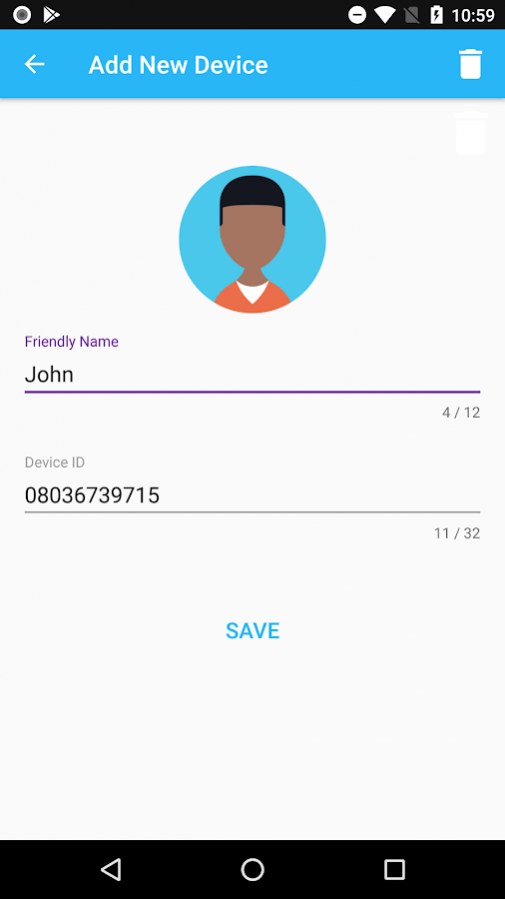
5) Configure Tracked Device in "List of Tracked Devices" which corresponds to Tracking ID from step 2) and fill the friendly name for the tracked device
6) Now you are all set and if you go back to main screen you should receive remote device location shortly. If not press refresh button
Note: You can configure up to 5 devices in "List of Tracked Devices". To delete row in List of Tracked Devices you have to swipe right on the specific row
**Device Tracker doesn't record nor sends any user sensitive data!**
** ENGLISH, GERMAN and CZECH local ***
About Android Device Tracker - GPS Phone Locator
The company that develops Android Device Tracker - GPS Phone Locator is pacmac. The latest version released by its developer is 3.1.11.
To install Android Device Tracker - GPS Phone Locator on your Android device, just click the green Continue To App button above to start the installation process. The app is listed on our website since 2018-02-08 and was downloaded 0 times. We have already checked if the download link is safe, however for your own protection we recommend that you scan the downloaded app with your antivirus. Your antivirus may detect the Android Device Tracker - GPS Phone Locator as malware as malware if the download link to com.pacmac.trackr is broken.
How to install Android Device Tracker - GPS Phone Locator on your Android device:
- Click on the Continue To App button on our website. This will redirect you to Google Play.
- Once the Android Device Tracker - GPS Phone Locator is shown in the Google Play listing of your Android device, you can start its download and installation. Tap on the Install button located below the search bar and to the right of the app icon.
- A pop-up window with the permissions required by Android Device Tracker - GPS Phone Locator will be shown. Click on Accept to continue the process.
- Android Device Tracker - GPS Phone Locator will be downloaded onto your device, displaying a progress. Once the download completes, the installation will start and you'll get a notification after the installation is finished.
Program Details
System requirements
Download information
Pricing
Version History
version 3.1.11
posted on 2018-02-08
Crash fixes.
version 1.0
posted on 2016-05-01
Disclaimer
External Download
We do not host Android Device Tracker - GPS Phone Locator on our servers. We did not scan it for viruses, adware, spyware or other type of malware. This app is hosted by Galad and passed their terms and conditions to be listed there. We recommend caution when installing it.
The APK Download link for Android Device Tracker - GPS Phone Locator is provided to you by apps112.com without any warranties, representations or guarantees of any kind, so access it at your own risk.
If you have questions regarding this particular app contact the publisher directly. For questions about the functionalities of apps112.com contact us.
